
6.4 Client Area Features Visibility
Each toggle shows or hides one element of the customer’s Overview page. All are enabled by default.
|
Toggle |
Controls |
|---|---|
|
Show Instance Status |
The status badge (Running / Offline / Rebooting …). |
|
Show Specifications (RAM / vCPU / Disk) |
The Memory, vCPUs and Disk rows. |
|
Show Root Username |
The root username row. |
|
Show Root Password |
The masked root password row, with reveal and copy buttons. |
|
Show IPv4 / IPv6 Addresses |
The IPv4 and IPv6 address rows. |
|
Show Region & Type |
The Plan and Region rows. |
|
Show Deployed Image |
The Image row. |
|
Show Backup Service State |
The Backup Service enabled/disabled badge. |
|
Show Power Actions |
The Boot, Shut Down and Reboot action boxes. |
|
Allow Rebuild |
The Rebuild action box and its dialog. |
|
Allow Root Password Reset |
The Reset Password action box and its dialog. |
|
Show Lish Console Access |
The Console action box and its dialog. |
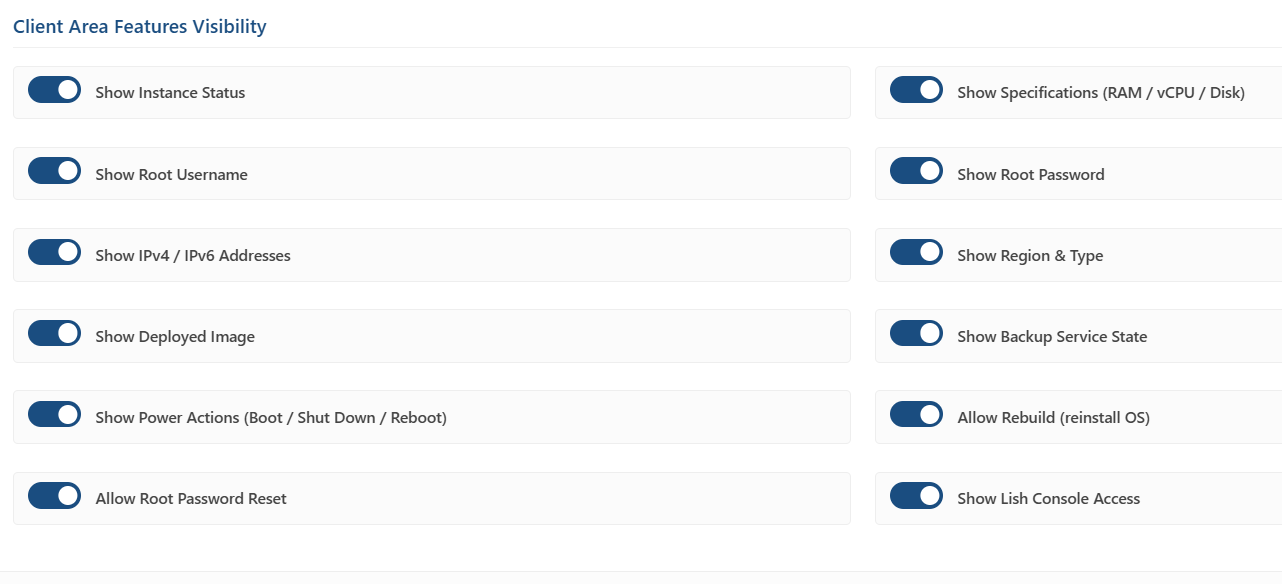
Important: These settings control the Client Area only. The Admin Services tab always shows every action and every populated field, regardless of what is hidden from the customer.