
6. Product Configuration
- Navigate to System Settings → Products/Services and create a product group, or select an existing one.
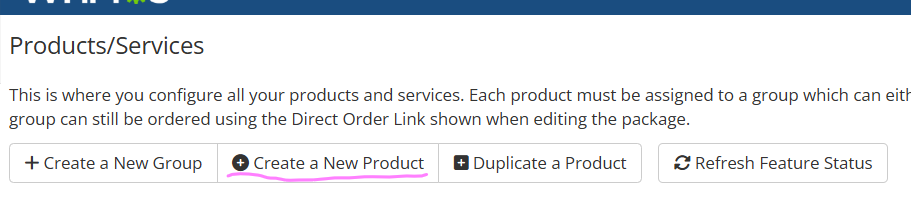
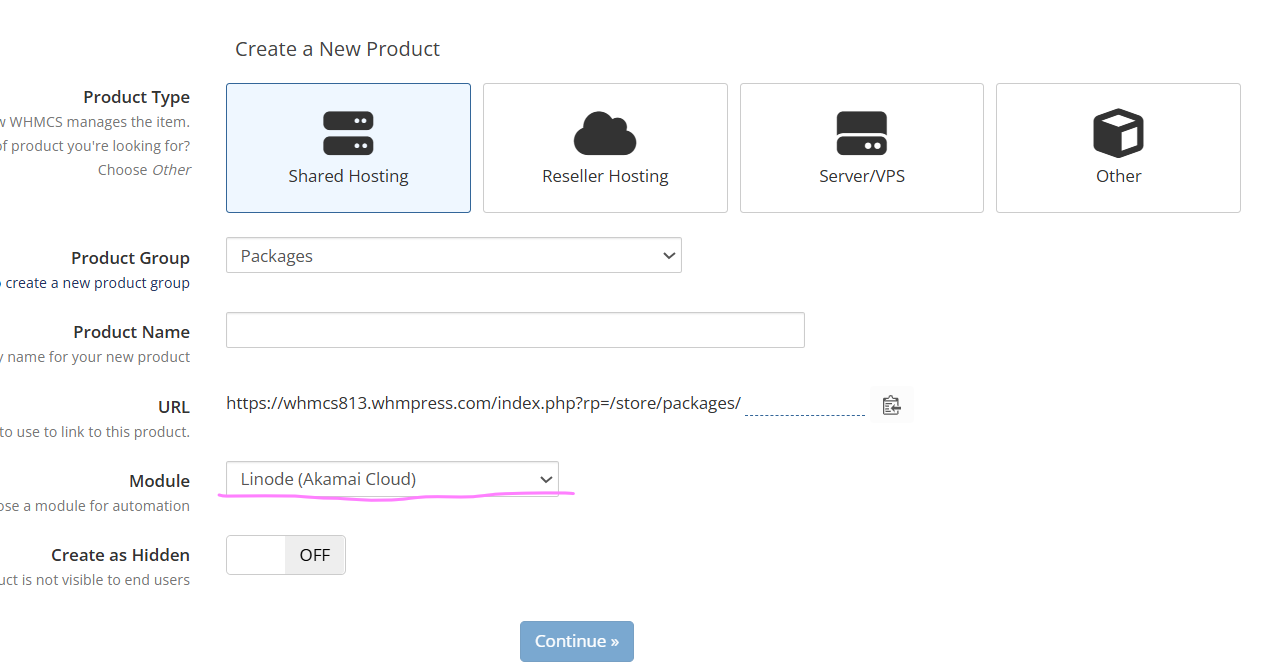
- Click Create a New Product, choose the product type, name the product, assign it to a group, and click Continue.
- Open the Module Settings tab and select Linode (Akamai Cloud) and the server (or server group) you configured in Section 5. Save once so the module’s own configuration dashboard renders.
The module renders its own configuration dashboard inside this tab, made up of the sections below.