
10. Order Placement & Provisioning Flow
This section describes what happens end to end, from the customer’s order to an active Linode. It documents behaviour, not configuration.
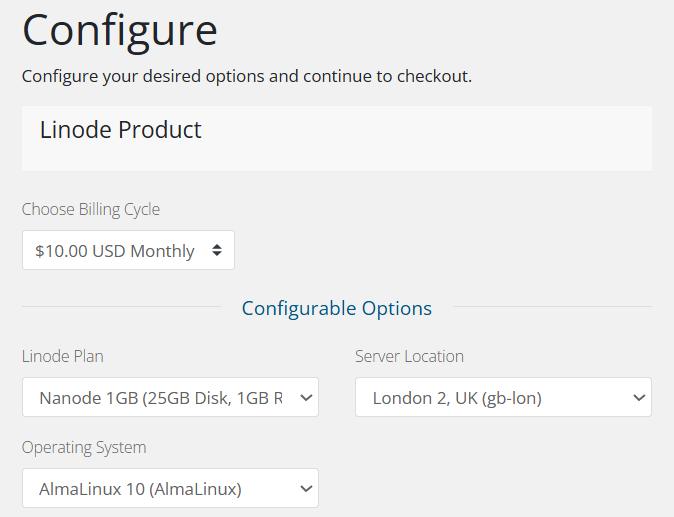
- The customer orders the product through the WHMCS order form. If configurable options are enabled, they choose the plan, location, operating system and backups option at this point.
- When the order is paid (or an administrator runs Create), WHMCS invokes the module’s Create function. No manual acceptance step is required by the module.
- The module resolves the deployment values, preferring the customer’s configurable-option choice over the product default for each of plan, region, image and backups.
- It generates a root password if WHMCS did not supply one, reads any public keys from the SSHKey custom field, and creates the instance through POST /linode/instances with booted: true.
- On success the module stores, on the WHMCS service:
- the Linode instance ID, in the LinodeId custom field;
- the root username (root) and the root password, encrypted;
- the assigned IPv4 and IPv6 addresses, and the dedicated IP;
- the Linode label as the service domain.
- The customer receives the standard WHMCS welcome email for the product, which can include the username, password and IP address merge fields.
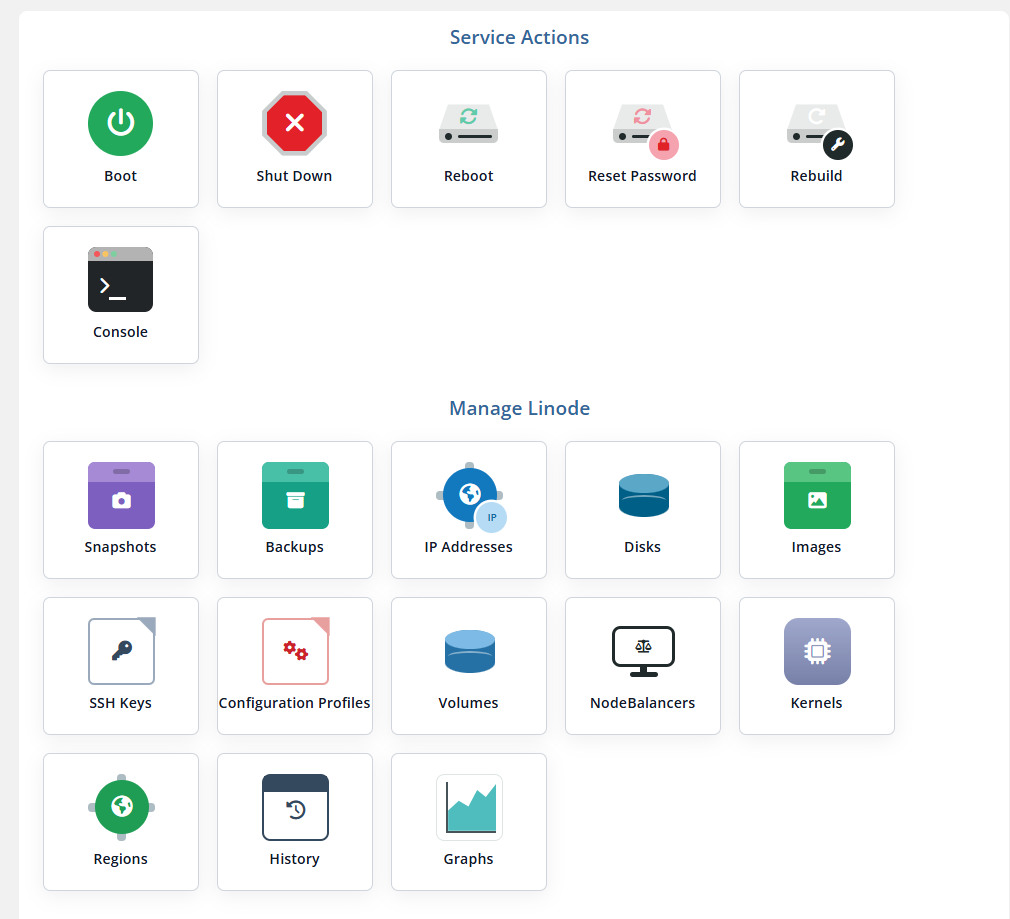
Note: Linode returns the instance immediately, but it continues booting for a short time afterwards. The Overview page shows the live status — provisioning, then booting, then running — each time the customer loads it.
Important: Provisioning fails with a clear message, and no service data is stored, if the product has no plan, region or image configured, if the creation method is not Public Image, or if Linode rejects the request. The exact Linode error is returned to the administrator and written to the Module Log.