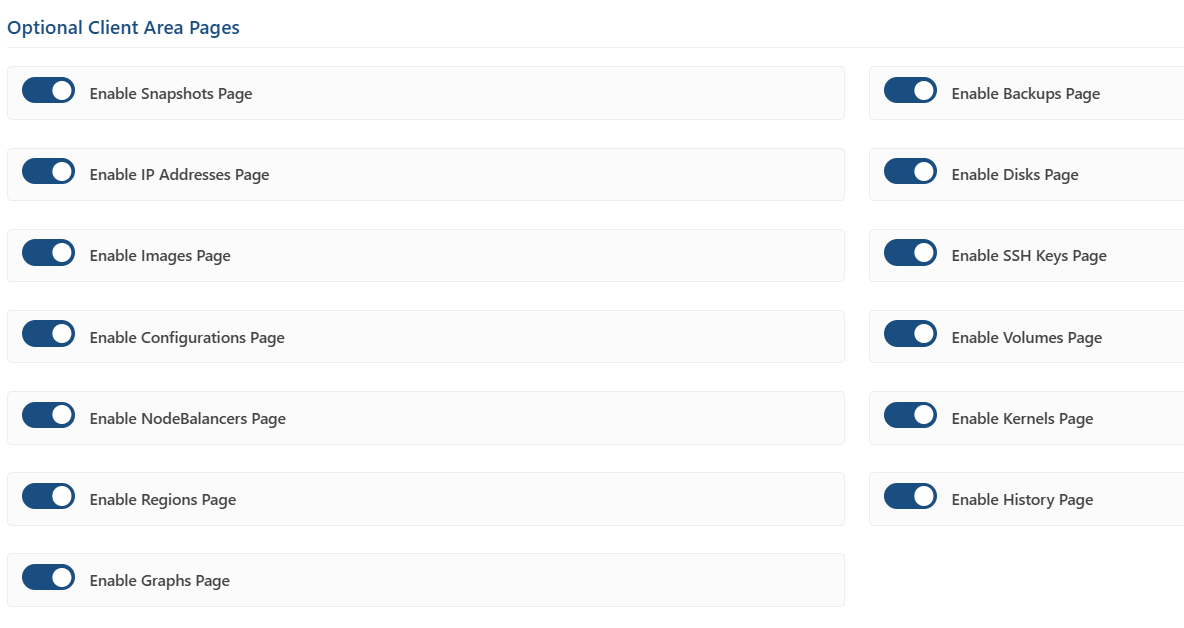
6.5 Optional Client Area Pages
One toggle per feature page. Turning a page off removes its action box from the Overview page, its entry from the Client Area sidebar, and its route — a guessed or bookmarked URL falls back to the Overview page rather than exposing a disabled feature.
|
Page |
Default |
What the customer can do |
|---|---|---|
|
Snapshots |
Enabled |
Take a manual snapshot and restore from it. |
|
Backups |
Enabled |
View automatic backups, restore from one, enable or cancel the Backup Service. |
|
IP Addresses |
Enabled |
View addresses, set reverse DNS, assign and share IPs, create IPv6 ranges. |
|
Disks |
Enabled |
Create, rename, resize, clone and delete disks; reset a disk root password. |
|
Images |
Enabled |
Capture a disk as an image, upload a custom image, edit, replicate and delete. |
|
SSH Keys |
Enabled |
Add, rename and delete public SSH keys. |
|
Configurations |
Enabled |
Create, view, edit and delete boot configuration profiles. |
|
Volumes |
Enabled |
Create, rename, resize, clone, attach, detach and delete Block Storage volumes. |
|
NodeBalancers |
Enabled |
Create, edit and delete NodeBalancers; view their VPC configurations. |
|
Kernels |
Disabled |
Browse the available kernels (read-only reference). |
|
Regions |
Disabled |
Browse regions and per-plan availability (read-only reference). |
|
History |
Enabled |
Review every recorded event for the instance. |
|
Graphs |
Enabled |
CPU, network and disk I/O charts plus monthly transfer usage. |